
Data Portability
Learn how to request a complete export of your data, including account information and AI interactions, and understand your data portability rights.
Request an Online Archive (5–10 Business Days)
For a complete export of all your data — including account information, AI interactions, campaigns, tasks, and more — you can request a full Online Archive.
What is included:
Everything in the Knowledge Center PDF, plus:
Your personal account and profile data
All AI chat conversation history
Campaign and task history
Agent results and deliveries
Uploaded files metadata
All data from every company you are associated with
The online archive request is authenticated and logged. Only you can request your own data. The request includes your user ID, email, and all associated company names to ensure the archive is complete.
How to Request Your Archive
- Go to My Account → Profile tab
- Scroll to the Download My Data section
- Click Download My Data → Request Online Archive
- Confirm the request in the dialog that appears
Once submitted, our team receives an automated notification and will prepare your data archive within 5–10 business days. The archive will be delivered to your registered email address.
Data Format & Portability
The Knowledge PDF is delivered as a structured PDF document, suitable for sharing, printing, or offline reference.
The Online Archive is provided in a machine-readable format (typically JSON or CSV) that can be imported into other services, meeting the GDPR data portability standard.
Your data belongs to you. Checkgrow does not impose any restrictions on what you do with your exported data. You retain full ownership and can use it however you wish.
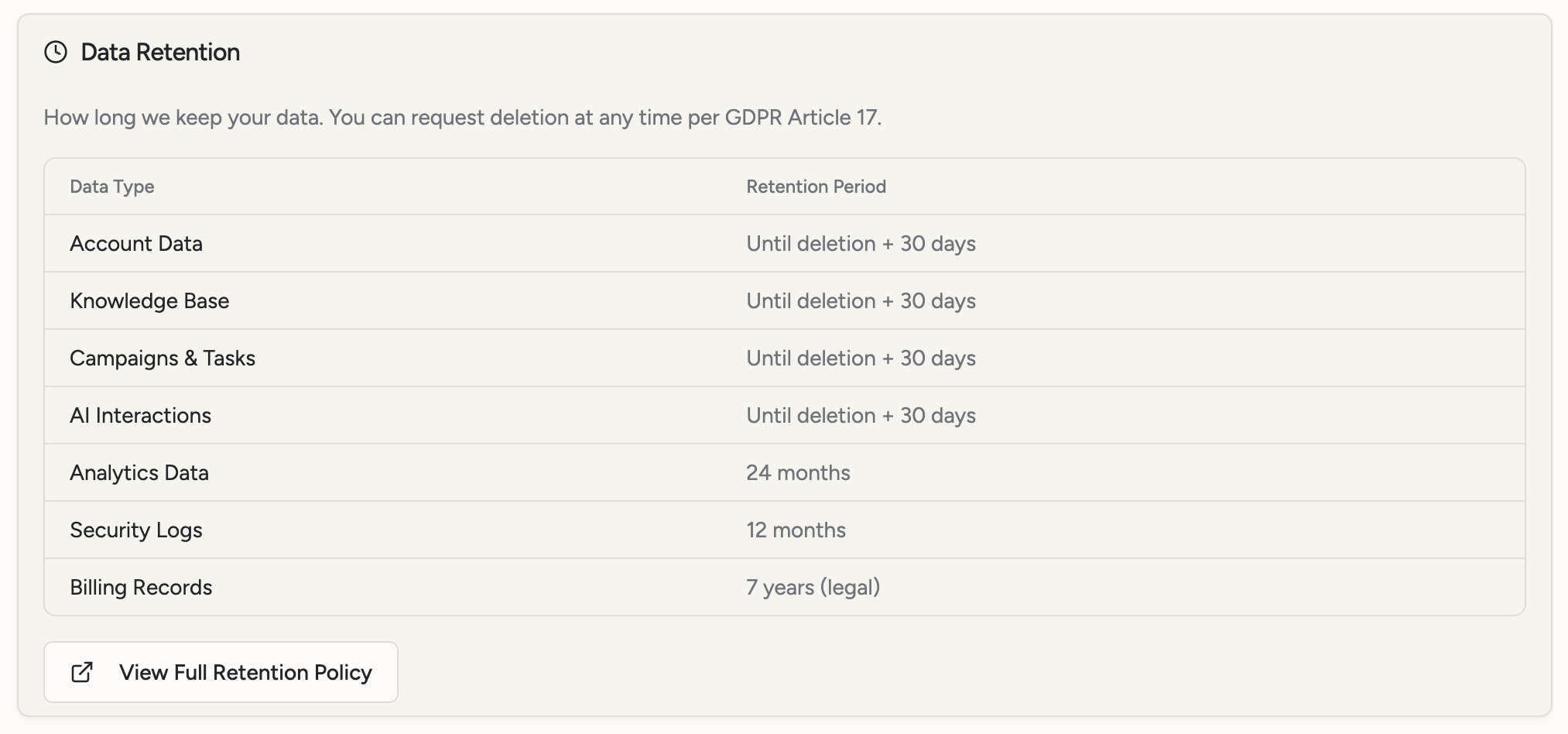
Exercising Your Right of Access
If you believe the available export tools do not fully capture all personal data we hold about you, or if you have questions about your data, you can contact us directly:
Email: admin@checkgrow.com
We are required under GDPR to respond to access requests within 30 days. For complex requests, this may be extended by a further two months with notification.