
Platform Security Standards
How Checkgrow protects your data through access control, role-based permissions, server-side authentication, and infrastructure security.
Our Security Philosophy
Checkgrow uses a layered security approach. No single mechanism is relied upon — instead, multiple independent layers work together: authentication (proving who you are), authorization (controlling what you can access), server-side processing (keeping sensitive logic away from the browser), and infrastructure hosting in the European Union.
Every piece of data in Checkgrow is protected by access rules enforced at the database level. Even if an application bug were to occur, those rules remain in place independently.
How Your Data Is Isolated
Checkgrow enforces strict data separation. Your company's data is invisible to users of any other company on the platform, not just hidden in the interface, but actively blocked at the storage level.
There is no configuration error that could allow one company to accidentally see another's data.
Text explaining three layers of isolation:
Company isolation — You only see data for companies you have been explicitly granted access to.
Personal data ownership — Your profile, connections, and personal settings can only be read or changed by you.
Admin access is role-gated — Elevated access requires a formal role assigned by a platform administrator. It cannot be self-granted from the user interface or anywhere else.
Roles are stored and verified independently of your profile. They can only be assigned by platform administrators, never by users themselves.
Role Hierarchy and Access Control
Text describing each role:
User — Access limited to companies they have been assigned to. Cannot see or interact with any other company's data under any circumstances.
Company Admin — Same company boundaries as a regular user, with the additional ability to manage team members within their assigned companies only. Company Admins cannot view or affect companies they have not been assigned to — this is enforced at the data level, not just the interface level.
Platform Admin — Broad access to all companies and users on the platform for operational support. Cannot modify or assign the Master Admin role.
Master Admin — Full platform access. The Master Admin designation is permanently protected and cannot be removed, even by other administrators.
Company Admins have a hard boundary: they can only manage users within companies where they hold admin rights. This is not a display setting, it is enforced by the platform itself.
Authentication and API Security
Text covering user authentication:
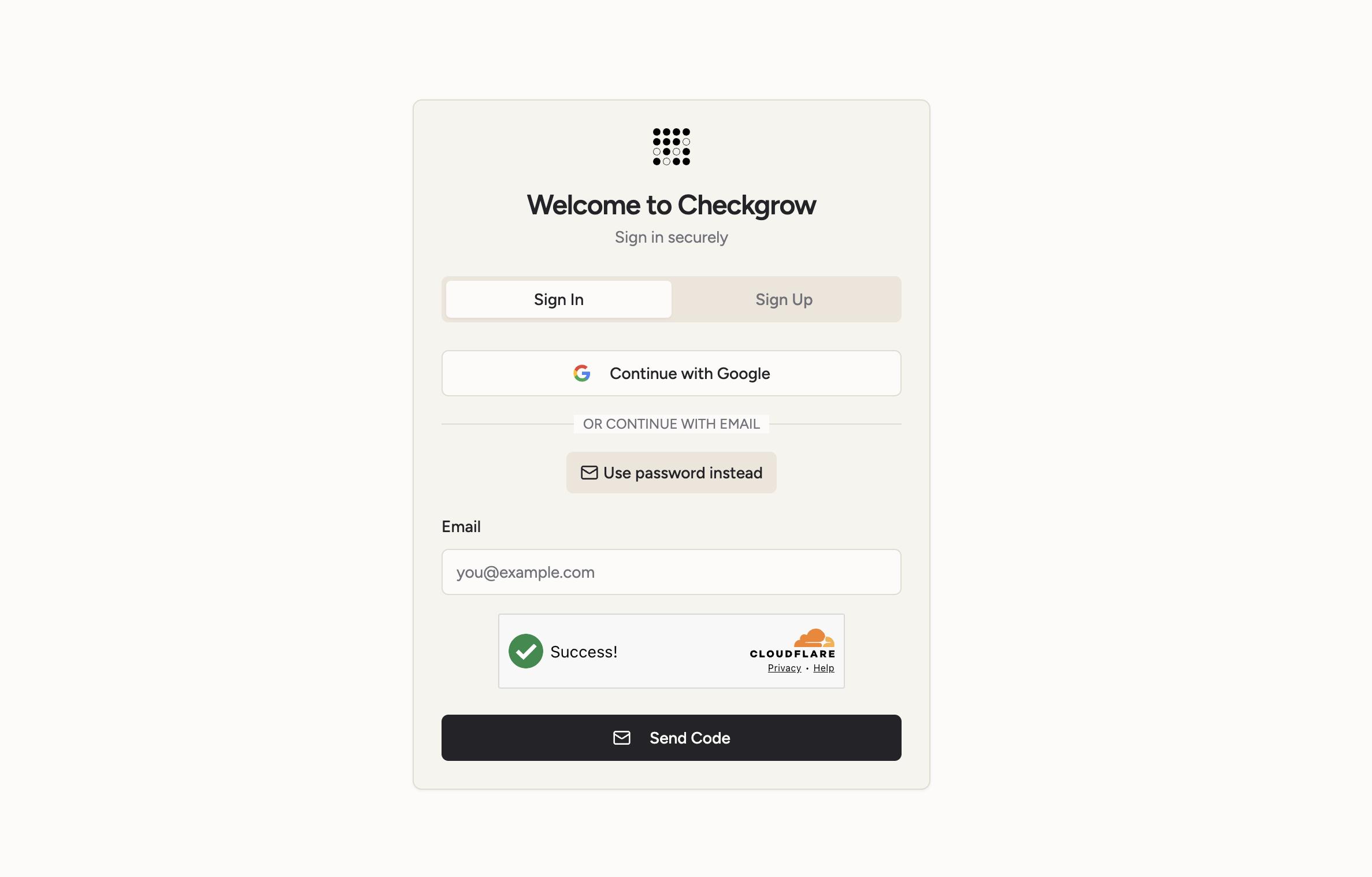
You can sign in with an email code, a password or your Google account. Every active session is backed by a cryptographically signed token that the platform verifies on every request, so sessions cannot be forged.
Two-factor authentication: anyone can add a code from an authenticator app to every sign-in, with one-time recovery codes for a lost phone. Company admins can require it for their whole team. The requirement is enforced on our servers: a sign-in that skipped the second step cannot read that company's data, and Checkgrow staff also need it to open a company that requires it. See Two-Factor Authentication.
Session controls: company admins can set a maximum session length and an inactivity timeout for their team, and sign any member out of every device at once. See Session Security.
Passwords: at least 12 characters, with a lowercase letter, an uppercase letter, a number and a symbol. Commonly leaked passwords are refused.
A bot-protection layer (Cloudflare Turnstile) is active on the login and registration pages by default, preventing automated attacks.
Login attempts are automatically rate-limited to protect accounts against brute-force attacks.
Text covering external service security:
Checkgrow integrates with several external services (AI providers, advertising platforms, data providers). Your browser never communicates directly with these services. All requests are routed through Checkgrow's own servers, which verify your identity and permissions before passing anything through.
Credentials and API keys for external services are stored in encrypted, server-side storage.
They are never visible in the interface, the browser, or the application code.
Your browser has no direct connection to OpenAI, Google, LinkedIn, or any other third-party service. All calls pass through Checkgrow's secure servers where your session is verified first.
Audit Logging and Security Monitoring
Every significant action on the platform is recorded: logins, registrations, agent runs, data deletions, consent withdrawals. Each log entry includes who performed the action, when, and what was affected.
These records are write-once. Regular users and automated processes can add to the log, but no one except platform administrators can read the full history. Past entries cannot be modified or deleted by regular accounts.
External service activity is also logged separately for security auditing purposes.
When a user withdraws consent for data processing, that withdrawal is permanently recorded with the reason, timestamp, and identity of the person who requested it.
Platform and Master Admins have access to a dedicated Security Dashboard showing the last 30 days of authentication activity — including total logins, new registrations, and any authentication errors — all aggregated from the platform's activity log.
Activity logs are append-only for all standard accounts. This ensures that the security record cannot be tampered with through normal platform use.