
Products
Your product catalogue — added by hand, drafted by AI, priced in one currency and exportable as a PDF.
Overview
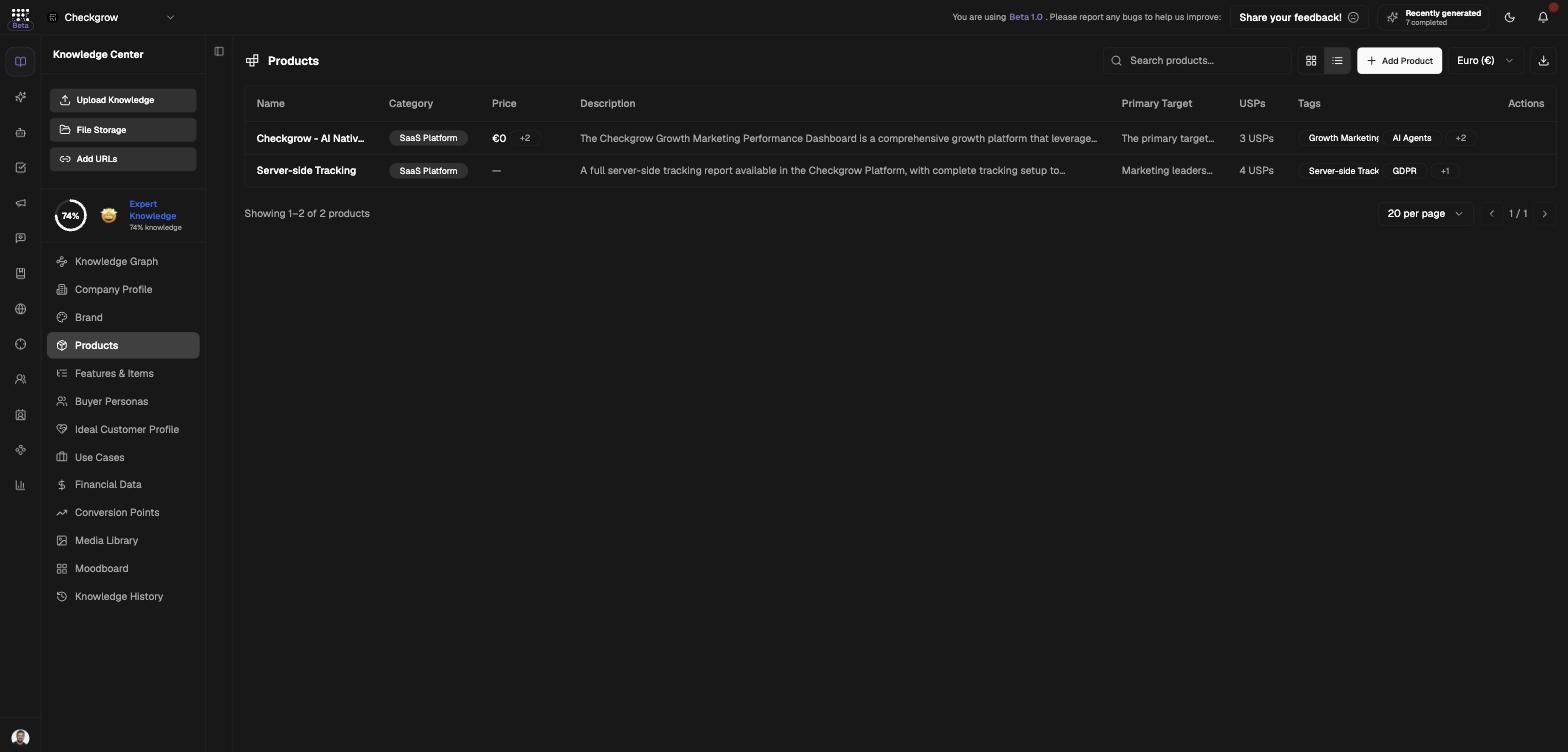
The Products page is your company's catalogue inside the Knowledge Center. Each product carries its name, category, description, audience, positioning, price, media and linked features — everything the AI needs to talk about what you sell.
This catalogue is consumed by the campaign builder (which lists your products with price and category), marketing briefings, the AI Assistant and the Knowledge Graph.
The AI sells what you describe
Campaigns, briefings and assistant answers are only as good as your product descriptions. A sharp Unique Selling Points list here becomes sharper ad copy everywhere.
Who needs it
Keep the catalogue accurate if you are:
- A marketer — every campaign picks its product from this list, price and category included.
- A product owner — descriptions, differentiators and keywords written here become AI context everywhere.
- A sales rep — the Download all products as PDF export doubles as a shareable product sheet.
- Just onboarded — reviewing what the website scan drafted before your first campaign.
The currency selector applies to all product prices at once — set it once and every price on the page, in exports and in campaign context uses it.
How to use it
- Add ProductClick Add Product. In the "Add New Product" dialog, describe the product in text or upload product documentation — the AI structures it into a full product card.
- Start from nothing with AI CheckIf the page shows "No products defined yet", click AI Check and the AI generates products from your website and existing knowledge.
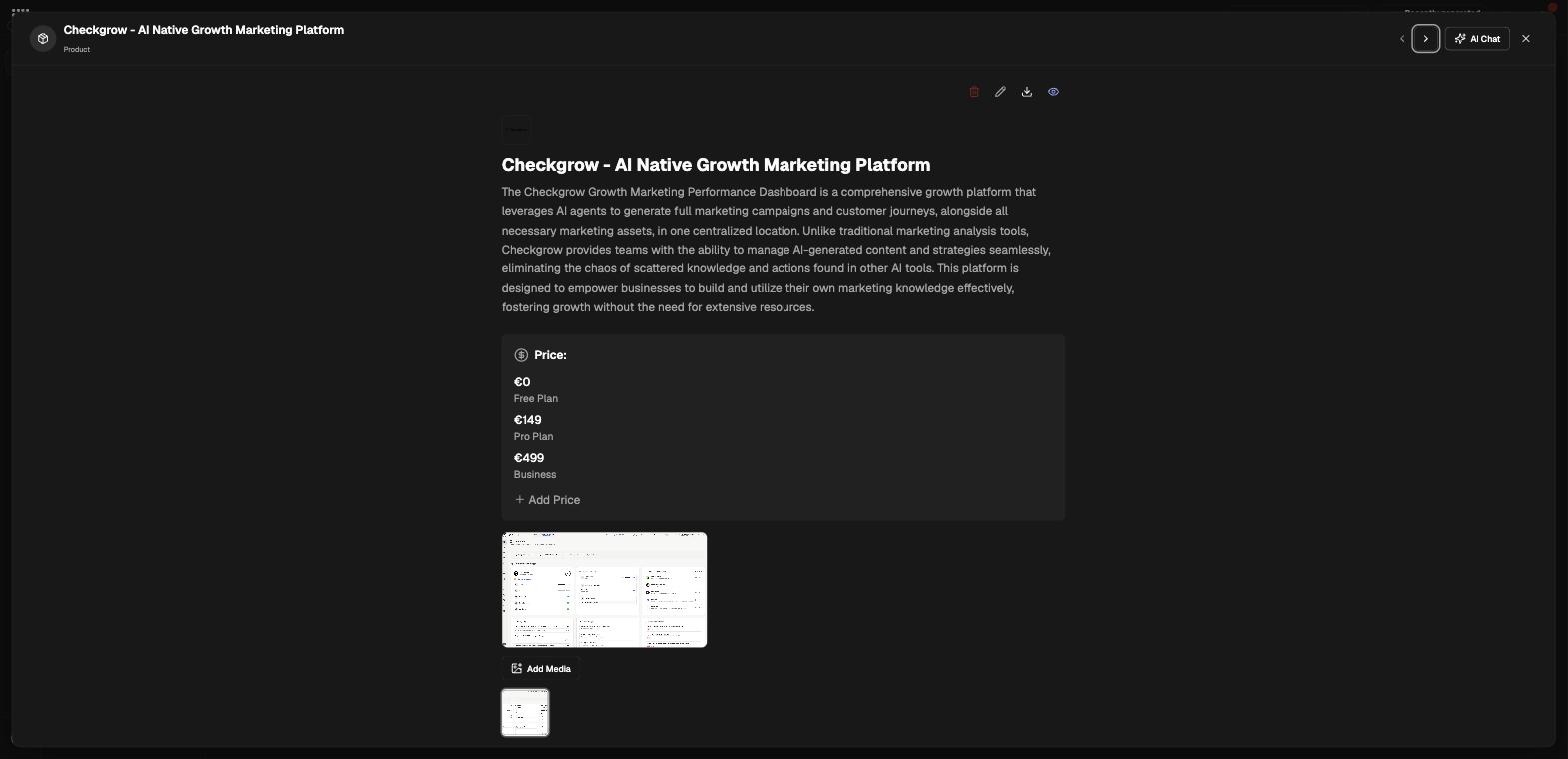
- Edit in the detail modalClick a product to open its detail modal and work through the sections: Essentials, Audience and Positioning, plus price, media gallery and linked features. Edit with Grow helps rewrite any field, and the arrow buttons step to the previous or next product.
- Set the currencyUse the currency select in the header — "Currency applied to all product prices" — so every price is displayed consistently.
- Export as PDFClick the PDF export button ("Download all products as PDF") to get the whole catalogue as a document. Use the search field and the card/table toggle to find and organize products as the list grows.
What each product stores
Essentials
Product Name, Category and Description — the core identity the AI leads with whenever it mentions the product.
Audience
Primary Target User, Secondary Users and Customer Needs. This is product-level audience detail; your company-wide audience lives in Buyer Personas and the Ideal Customer Profile.
Positioning
Unique Selling Points, Key Differentiators and Keywords — the raw material for ad copy and briefings. A per-row grammar check tidies the text and reports how many corrections it made.
Media and linked features
Each product carries a media gallery and links to items in Features & Items, so feature-level detail stays attached to the product it belongs to.
Related features
Features & Items — the feature-level catalogue linked to each product
Campaigns — pick a product and the builder uses its price and positioning